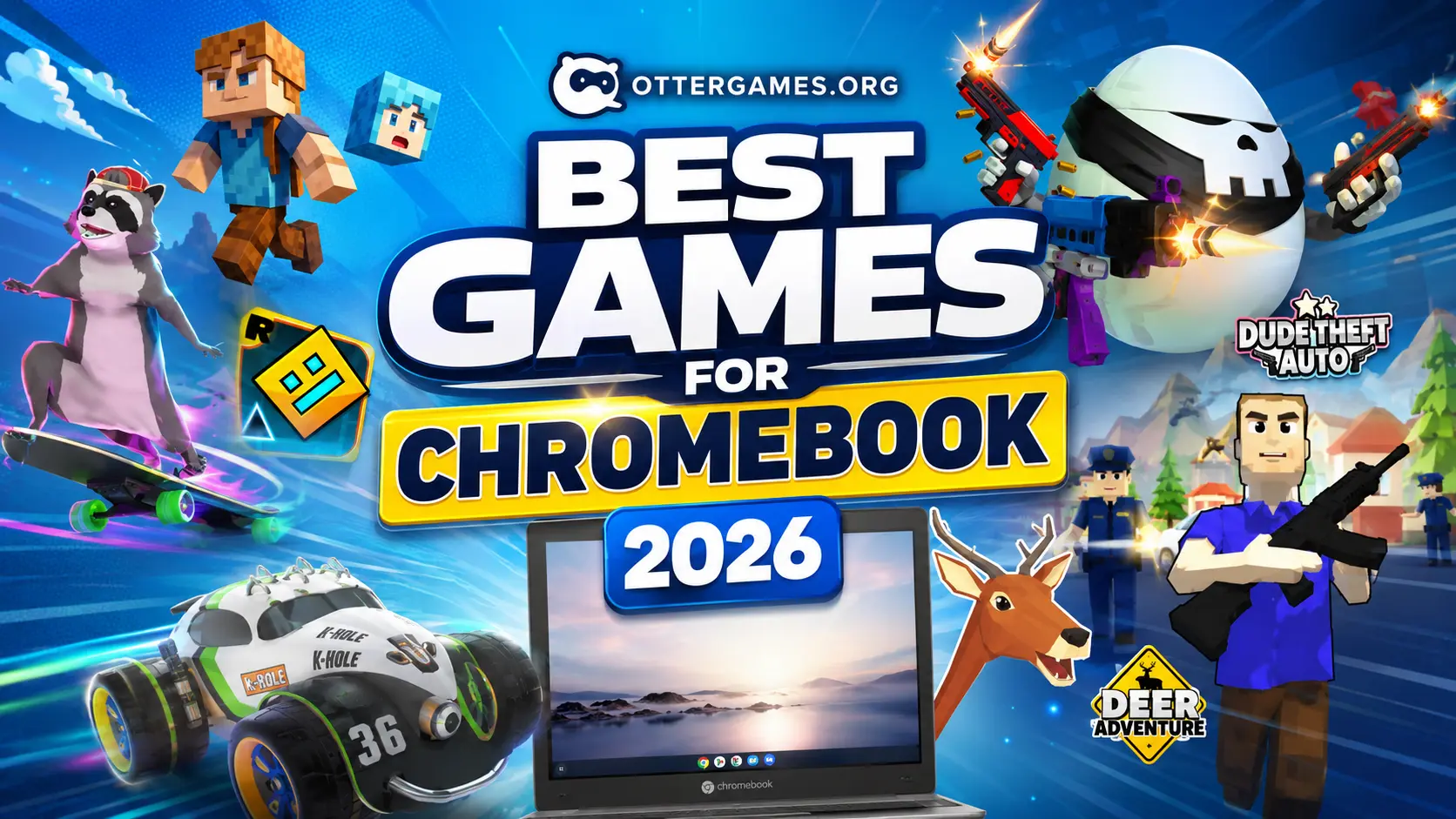
Chromebooks have quietly become one of the best devices for browser gaming.
They are fast, lightweight, battery-efficient, and perfect for instant games that do not require downloads or expensive hardware. Whether you’re using a school Chromebook, a low-end laptop, or just want quick games that load instantly in your browser, there are now thousands of games you can play online without installing anything.
The problem is that most “best Chromebook games” lists are filled with mobile ports, bloated apps, or games that barely run on school devices.
That is why we created this list.
Every game below works directly in your browser and is playable instantly on OtterGames.org. No downloads. No waiting. Just open the game and start playing.
From multiplayer shooters and racing games to relaxing skateboarding adventures and chaotic sandbox games, these are some of the best free games for Chromebook right now.
Why Browser Games Are Perfect for Chromebook Users
Most Chromebook users do not have gaming PCs.
That changes how people play.
Instead of downloading 50GB games, Chromebook players usually want:
- Fast-loading games
- Low hardware requirements
- Games that work during breaks or free periods
- Multiplayer games with friends
- Games that run smoothly on school Wi-Fi
- No installs or updates
Browser games solve all of these problems.
Modern web games use technologies like WebGL and HTML5, which means they can run surprisingly well even on low-end Chromebooks.
That is why browser gaming has exploded in popularity over the last few years. Sites like OtterGames make it possible to launch games instantly in one click, similar to platforms like Poki or CrazyGames.
If you are searching for the best unblocked games for Chromebook, browser games are usually the easiest and fastest option.
Zomblox
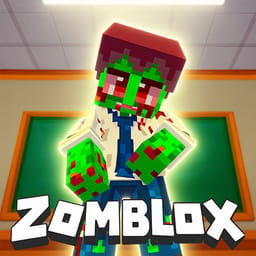
If you enjoy survival shooters mixed with blocky sandbox chaos, Zomblox is one of the best games for Chromebook you can play right now.
At first glance, it looks simple. The graphics are voxel-style and lightweight, which makes it perfect for lower-end devices and school Chromebooks. But once you start playing, the game becomes surprisingly intense.
The main goal is survival.
You fight waves of zombies while exploring maps, collecting weapons, and trying to stay alive for as long as possible. The gameplay loop is fast and addictive because every round feels slightly different.
One reason Zomblox works so well on Chromebook is performance efficiency.
Many shooters struggle on browser devices because they rely heavily on graphics processing, but Zomblox focuses more on gameplay responsiveness than visual realism. That means smoother FPS, faster loading times, and less lag even on weaker hardware.
Another reason players keep returning is the arcade-style pacing. Matches start quickly, the controls are easy to learn, and there is almost no setup required.
If you enjoy games like Minecraft mixed with zombie survival mechanics, Zomblox is an easy recommendation.
Why Chromebook Players Like Zomblox
- Lightweight browser performance
- Quick multiplayer action
- Easy controls for keyboard and mouse
- Great for short gaming sessions during breaks
- Runs directly online without downloads
Eaglercraft
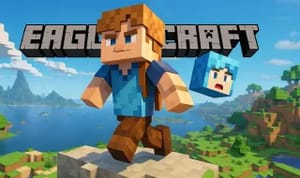
Eaglercraft has become one of the most popular browser games among Chromebook users, especially students.
The reason is obvious the moment you launch it.
It delivers a Minecraft-style experience directly in the browser.
For Chromebook users who cannot install Java Edition or do not have access to gaming PCs, Eaglercraft offers a surprisingly complete sandbox experience online.
You can explore worlds, gather resources, build structures, survive against mobs, and even join multiplayer servers.
That multiplayer aspect is what made Eaglercraft explode in popularity.
A huge part of browser gaming is social interaction. Students want games they can quickly open and play together without dealing with installations, accounts, or hardware limitations.
Eaglercraft solves that problem extremely well.
Another interesting reason it performs well is because the graphics style itself is computationally efficient. Block-based worlds require less rendering complexity than highly detailed 3D games, which allows the game to run smoothly even on entry-level Chromebooks.
For many players, Eaglercraft is not just one of the best Chromebook games, it is the closest thing to portable browser Minecraft.
Best Features of Eaglercraft
- Sandbox building gameplay
- Multiplayer servers
- Survival and creative modes
- Browser-based Minecraft experience
- Great performance on school Chromebooks
Veck.io
Veck.io is one of those browser games that instantly becomes competitive.
The game combines fast movement, arena combat, and io-style mechanics into a simple but highly replayable experience.
What makes io games so popular on Chromebook is their accessibility.
You do not need tutorials, long loading screens, or complicated progression systems. You simply join a server and start playing.
Veck.io follows that formula perfectly.
The controls are responsive, rounds are quick, and the gameplay constantly rewards aggressive movement and positioning.
One important thing about Chromebook gaming is session length.
Students often play in short bursts between classes or during breaks, which means games with instant matchmaking and quick action perform better than slow story-driven games.
Veck.io is designed around exactly that kind of fast loop.
The visual style also helps performance significantly. Clean graphics reduce lag while keeping gameplay readable during intense moments.
If you enjoy competitive online browser games, Veck.io is one of the best free Chromebook games to try.
Why Veck.io Works So Well in Browser
- Fast matchmaking
- Competitive gameplay
- Smooth controls
- Lightweight graphics
- Instant online multiplayer
Tanuki Sunset
Not every Chromebook game needs explosions or multiplayer chaos.
Tanuki Sunset proves that relaxing gameplay can be just as addictive.
In this stylish downhill skateboarding game, you control a raccoon cruising through neon-lit roads while avoiding traffic, drifting around corners, and collecting points.
The atmosphere is what makes the game memorable.
The visuals use a retro synthwave aesthetic with colorful sunsets, smooth roads, and relaxing music that creates a completely different feeling compared to competitive shooters.
This matters more than people think.
A lot of browser games focus entirely on fast dopamine loops and chaotic gameplay. Tanuki Sunset instead focuses on flow state - the psychological feeling where movement, timing, and rhythm blend together naturally.
That makes it incredibly relaxing to play during study breaks.
It also runs surprisingly well on Chromebooks because the game is optimized around smooth movement rather than ultra-realistic graphics.
If you want something different from typical unblocked browser games, Tanuki Sunset is easily one of the best games online for Chromebook users.
What Makes Tanuki Sunset Unique
- Relaxing gameplay loop
- Stylish synthwave visuals
- Smooth drifting mechanics
- Great soundtrack and atmosphere
- Easy to play directly in browser
Geometry Dash
Geometry Dash remains one of the most recognizable rhythm platformers ever made.
Even years after release, it is still massively popular among students and Chromebook players.
The reason is simple.
The game is easy to understand but extremely difficult to master.
You jump over obstacles, spikes, and traps while syncing movement to music. One mistake sends you back to the start.
That instant restart system creates an addictive learning loop.
Every attempt teaches timing, pattern recognition, and reaction speed. The player gradually improves through repetition.
This is actually one of the reasons Geometry Dash became such a huge internet phenomenon.
The game creates high emotional intensity using very simple mechanics.
For Chromebook users, Geometry Dash is perfect because:
- Levels load instantly
- Controls are simple
- Hardware requirements are tiny
- Sessions can last 2 minutes or 2 hours
The browser version also makes the game much easier to access at school or on low-end devices.
If you enjoy fast reflex games, Geometry Dash is still one of the best unblocked games for school Chromebook users.
Why Players Still Love Geometry Dash
- Addictive retry system
- Rhythm-based gameplay
- Fast loading levels
- Smooth performance on low-end laptops
- Great for quick sessions
Deer Adventure
Deer Adventure is pure browser-game chaos.
Instead of realistic simulation gameplay, the game embraces absurdity.
You play as a deer causing destruction, exploring environments, interacting with objects, and creating unpredictable situations.
Games like this become popular online because they generate emergent gameplay.
That means funny moments are not fully scripted.
Players create their own entertainment by experimenting with physics, movement, and interactions.
This style of design works especially well for content creation and streaming because every session feels different.
For Chromebook players, Deer Adventure offers something many browser games lack: freedom.
You are not trapped in strict objectives or competitive rankings.
You can simply explore, experiment, and enjoy the ridiculous physics.
The game also benefits from relatively simple graphics, which helps maintain stable performance in browser.
If you enjoy sandbox-style games with humor and unpredictable gameplay, Deer Adventure is one of the most entertaining browser games online right now.
Best Things About Deer Adventure
- Funny sandbox gameplay
- Physics-based chaos
- Easy controls
- Unique gameplay moments every session
- Runs smoothly online
Shell Shockers
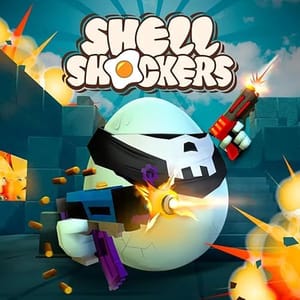
Shell Shockers is one of the biggest browser shooter games ever created.
And somehow, it is about heavily armed eggs.
That ridiculous concept is exactly why the game became so popular.
The gameplay combines fast first-person shooter mechanics with lightweight browser optimization, allowing players to jump into multiplayer matches instantly.
Despite the cartoon visuals, the combat feels surprisingly competitive.
Movement speed, aiming, positioning, and reaction time matter a lot.
For Chromebook users, this is important because many FPS games are too demanding for browser hardware.
Shell Shockers avoids that problem by focusing on clean graphics and responsive gameplay rather than visual realism.
The result is one of the smoothest multiplayer FPS experiences available directly in browser.
Another major reason the game became huge in schools is accessibility.
Students can quickly join matches with friends without downloads or setup. That social accessibility is a massive advantage for browser games.
If you are looking for one of the best free games for Chromebook with multiplayer action, Shell Shockers is still a top-tier choice.
Why Shell Shockers Became So Popular
- Multiplayer FPS gameplay
- Funny egg-themed combat
- Fast matchmaking
- Optimized browser performance
- Competitive online action
Dude Theft Auto
Dude Theft Auto feels like a chaotic browser version of an open-world crime sandbox.
The game mixes driving, exploration, ragdoll physics, weapons, and random destruction into one ridiculous experience.
Part of the appeal is unpredictability.
Players can drive vehicles, interact with NPCs, experiment with physics, and create chaos across the map.
Unlike highly structured games, Dude Theft Auto encourages experimentation.
That design philosophy is important in browser gaming.
Games that allow player freedom often keep users engaged longer because curiosity itself becomes the gameplay loop.
“What happens if I try this?” becomes the core motivation.
The browser-based nature also makes the game surprisingly accessible.
Instead of installing massive open-world games, Chromebook users can instantly jump into sandbox chaos directly from their browser.
The graphics are lightweight enough to run well on most school laptops while still offering large interactive environments.
If you enjoy physics-based sandbox games and unpredictable gameplay, Dude Theft Auto is one of the best browser games available online.
Why Chromebook Players Enjoy Dude Theft Auto
- Open-world sandbox gameplay
- Vehicle driving mechanics
- Funny physics interactions
- Fast instant-play access
- Great for casual experimentation
RocketGoal.io
RocketGoal.io combines soccer with rocket-powered vehicles.
If that sounds familiar, it is because the game clearly takes inspiration from arcade vehicle sports games like Rocket League.
But instead of requiring expensive hardware or downloads, RocketGoal.io runs directly in browser.
That instantly makes it one of the best online games for Chromebook users.
The gameplay is simple to understand:
Drive your vehicle, hit the ball, score goals.
But once matches begin, things become surprisingly competitive.
Timing, positioning, momentum, and team coordination all matter.
This creates a strong skill ceiling despite the simple concept.
One reason vehicle sports games work so well online is because movement itself feels satisfying.
Even before mastering mechanics, players enjoy boosting around the arena and hitting giant shots.
The game is also optimized for quick online matches, making it perfect for short Chromebook gaming sessions.
If you want a competitive multiplayer browser game that feels energetic and skill-based, RocketGoal.io is an excellent pick.
Best Features of RocketGoal.io
- Rocket-powered soccer gameplay
- Fast multiplayer matches
- Skill-based movement mechanics
- Lightweight browser performance
- Fun competitive gameplay
Brawl Simulator 3D
Brawl Simulator 3D focuses on fast arena combat with colorful characters and chaotic battles.
The game is easy to pick up but remains entertaining because matches are constantly active and unpredictable.
One thing browser games do exceptionally well is reduce friction.
Instead of spending time in menus, updates, or downloads, players jump directly into gameplay.
Brawl Simulator 3D uses that advantage effectively.
The action starts quickly, controls are simple, and matches maintain high energy throughout.
For Chromebook users, this type of game works especially well because it balances visual style with performance efficiency.
The graphics are colorful and engaging without overwhelming weaker devices.
That balance matters a lot.
A browser game that looks slightly simpler but runs smoothly will almost always create a better user experience than a visually impressive game filled with lag.
If you enjoy chaotic multiplayer action and fast-paced browser combat, Brawl Simulator 3D is definitely worth trying.
Why Brawl Simulator 3D Is Fun
- Fast arena battles
- Simple controls
- Colorful visual style
- Quick online gameplay
- Smooth Chromebook performance
What Makes a Good Chromebook Game?
Not every game works well on Chromebook.
The best Chromebook games usually share several important characteristics.
Fast Loading
Chromebook users often prefer instant access.
Games that take too long to load lose players quickly, especially in school environments where users may only have short play sessions.
Low Hardware Requirements
Most Chromebooks are optimized for efficiency, not raw gaming power.
Games with lightweight graphics and optimized browser engines perform far better.
Browser-Based Gameplay
The best browser games remove friction completely.
No downloads, patches, installers, or launchers.
Players simply click and start playing.
Multiplayer and Replayability
Games become more engaging when players can compete with friends or replay matches endlessly.
This is why multiplayer browser games continue dominating Chromebook gaming.
Works Well on School Networks
Students searching for games online unblocked usually want games that launch quickly and work reliably in browser.
HTML5 browser games are often the best option for this.
Why OtterGames Is Great for Chromebook Gaming
OtterGames focuses on instant browser gameplay.
That means:
- No installs
- No downloads
- Fast game loading
- Chromebook-friendly performance
- Large variety of online games
- Direct browser access
Instead of spending time searching random sites filled with broken links or fake game pages, players can launch games instantly from one platform.
The experience is designed to feel simple and fast.
For Chromebook users, that convenience matters a lot.
Especially for students, browser gaming is often about speed and accessibility.
Open a tab. Launch a game. Play instantly.
That is exactly the experience OtterGames aims to provide.
Final Thoughts
Chromebooks are no longer limited to basic web browsing and school assignments.
Modern browser games have become advanced enough to deliver multiplayer shooters, sandbox adventures, racing games, rhythm games, and open-world chaos directly inside a browser tab.
That is why browser gaming continues growing so quickly.
Games like Shell Shockers, Eaglercraft, Tanuki Sunset, Geometry Dash, and Zomblox prove that you do not need expensive gaming hardware to have fun.
If you are searching for the best games for Chromebook, the biggest advantage is accessibility.
You can simply open your browser and start playing instantly.
Whether you want competitive multiplayer action, relaxing gameplay, sandbox chaos, or quick arcade challenges, OtterGames has plenty of browser games ready to play.
So if you are looking for the best free games for Chromebook, explore the games above and start playing directly on OtterGames.org.
Frequently Asked Questions
Q. What are the best games for Chromebook?
Some of the best Chromebook games include Shell Shockers, Eaglercraft, Geometry Dash, Tanuki Sunset, Zomblox, and RocketGoal.io because they run smoothly in browser without downloads.
Q. What are the best free games for Chromebook?
Browser games are usually the best free option for Chromebook users because they load instantly and work on low-end hardware. OtterGames offers free online games directly playable in browser.
Q. Are browser games good on Chromebook?
Yes. Modern HTML5 and WebGL browser games work extremely well on Chromebook devices because they are lightweight and optimized for web performance.
Q. What are the best unblocked games for school Chromebook users?
Popular choices include Geometry Dash, Shell Shockers, Eaglercraft, and Tanuki Sunset because they are fast, accessible, and easy to play online.
Q. Do I need to download anything to play these games?
No. All of these games can be played directly online through your browser on OtterGames.