
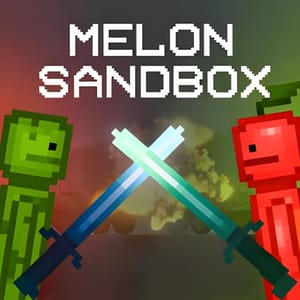
Melon Sandbox




Game Overview
Melon Sandbox is a creative physics sandbox where you build scenes with objects, ragdolls, vehicles, weapons, and strange tools. The open setup lets you arrange an experiment, start an interaction, and watch how the objects respond. There is no single route through a stage, so the project you create determines what happens next.
Objects give the sandbox its range. You can place a vehicle beside a ragdoll, add a weapon or syringe, and test how the pieces affect one another. A simple arrangement can become a machine, a battle scene, or a physics experiment. The world reacts to weight, movement, and impact, which makes each setup something to investigate.
Building and testing form the main loop. You choose the objects, arrange their positions, and revise the scene after seeing the result. Hundreds of available objects give you room to try different combinations, while realistic physics supplies the feedback. A failed machine can become the starting point for another design.
Choose Melon Sandbox if you want a creative physics sandbox with ragdolls and interactive objects. It is a ragdoll simulator and a creative physics sandbox with interactive objects, built as a ragdoll game with vehicles and experiments. Its core loop joins scene building, experimentation, vehicles, and physics reactions. Each session becomes a small project shaped by the objects you decide to place. Changing one object's position can alter the whole scene, giving the next experiment a different result. A new vehicle, weapon, or syringe can turn the same arrangement into another test.
How to Play Melon Sandbox
PC Controls
- Drag & Drop: Place objects and mechanisms
- Double Click: Open the context menu
- Context Menu: Activate objects, resize them, change textures, and more
- Save Button: Save your current scene
- Map Theme Menu: Change the environment and scenery
Mobile Controls
- Touch & Drag: Place and interact with objects
- Tap / Double Tap: Open object options and edit items
- On-screen Menus: Save scenes, change map themes, and manage creations