
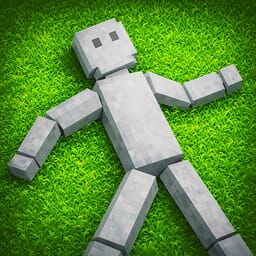
Playground 3D

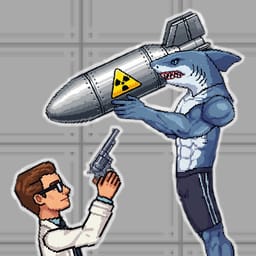

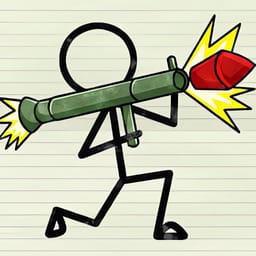
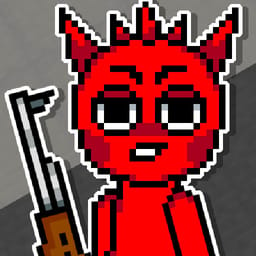

Game Overview
Playground 3D is a physics sandbox game where you experiment with characters, objects, and environments. A scene becomes a small laboratory: place a character near an object, set the pieces in motion, and watch the resulting collision or fall. You can build a situation for a specific outcome, then change one part of the arrangement to see how the physics responds.
The important systems involve spawning characters, testing physics, and building interactive scenarios. A character can become part of an obstacle test, a moving object can alter the route, and an environmental piece can turn a simple setup into a chain of interactions. The visible result gives you something concrete to inspect after each experiment.
Playground 3D suits players who enjoy making their own scenes and following a fixed campaign. You can arrange a group of characters, add objects to the environment, and compare two versions of the same setup. A small change in position or timing can send the pieces in a new direction, giving the sandbox its variety.
The game’s appeal comes from cause and effect. You decide what to place, observe how the pieces behave, and adjust the scene when the result misses your aim. Playground 3D keeps the focus on physics, interactive objects, and experiments that let you discover how a custom environment behaves.
A custom scene can begin with one object and grow into a chain of physical tests. Playground 3D gives you enough room to compare a quiet arrangement with a crowded one, then keep the version that makes the interaction easiest to understand. The freedom to reset the arrangement keeps the result easy to compare. One changed object can show how the sandbox handles weight, motion, and contact.
How to Play Playground 3D
PC Controls
- W, A, S, D: Move
- Left Mouse Button: Action 1
- Right Mouse Button: Action 2
- Spacebar: Jump
- Q: Open Spawn Menu
- R: Reload
- Esc: Pause